Small NVR for Retail: Sizing Guide 2026
Pick the right small NVR recorder for retail CCTV. Storage, PoE ports, and remote access framework for 1–4 camera installs.
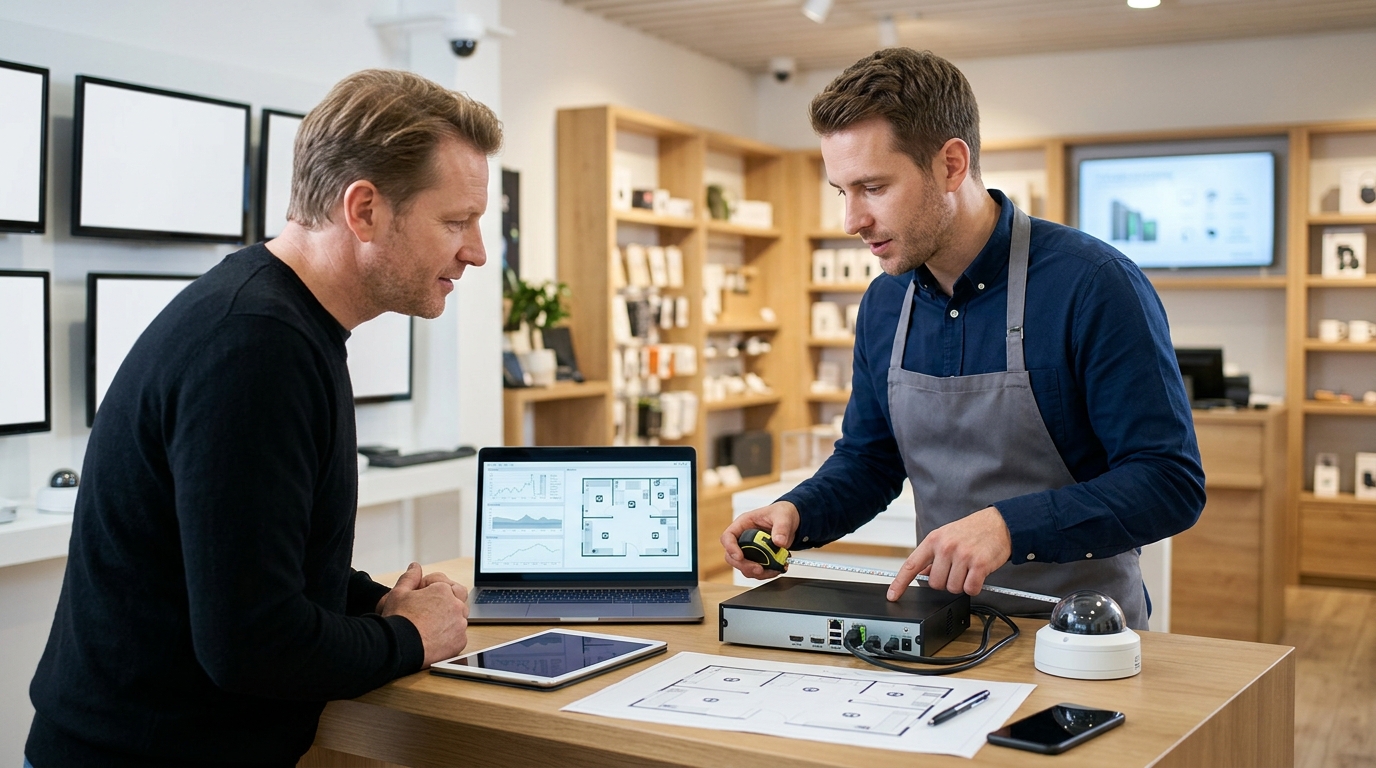
For a small retail store with 1–4 cameras, your NVR choice hinges on three variables that actually matter: how many days of footage you need to keep (7–30 days covers nearly all loss-prevention disputes), how many PoE ports you require now plus room to expand, and whether your owner or manager can reliably pull footage from a phone. Most small retailers waste money on oversized enterprise systems; a 4–8 channel PoE NVR with local storage and cloud backup solves 90% of retail security cases without the operational burden or cost of larger deployments.
Direct Answer (Unheaded Opening)
For a small retail store with 1–4 cameras, pick an NVR based on three non-negotiable variables: storage duration (how many days of footage you need for loss-prevention disputes), PoE port count (cameras you have now plus room to expand), and remote-viewing bandwidth (whether you or your installer can reliably access footage from a phone). A 4–8 channel PoE recorder with local storage and cloud backup handles 90% of retail loss-prevention cases without the complexity or cost of larger systems.
Most small retailers over-buy enterprise-grade NVRs and end up paying for features they never use. The right choice depends on your specific loss-prevention workflow: how long you need to keep footage, whether you need to pull clips on your phone during a shift, and whether your internet can handle simultaneous recording and remote viewing. A small NVR recorder that matches your current camera count plus one or two spare ports is far more cost-effective than a 16-channel unit gathering dust in a back office.
Storage duration is the first filter. A typical small retail loss-prevention case (disputed transaction, suspected theft, employee conduct) requires 7–30 days of accessible footage. If you need 30 days across four cameras at 1080p, you'll need roughly 1–2 TB of local storage; if 7 days suffices, 500 GB works. Cloud backup adds a safety net for critical incidents, but local storage is your primary retrieval tool. PoE port count comes next: count your cameras now, then add two ports for future expansion (a second entrance, a warehouse view). A 4-port PoE NVR fits 1–3 cameras comfortably; an 8-port unit gives you room without waste. Remote viewing bandwidth is the third lever—if your store's internet upload speed is below 5 Mbps, streaming four simultaneous 1080p feeds to your phone will stall, so cloud-assisted playback (pulling clips on-demand rather than live streaming) becomes essential.
What Actually Changes Your NVR Choice: Three Core Variables
Storage duration, PoE port count, and remote access bandwidth are the three decisions that actually separate a working retail install from one that fails or wastes money—not the marketing checklist on the spec sheet.
Storage duration determines both cost and legal compliance. Retail typically needs 7–30 days of continuous recording; 14 days is the practical middle ground for most small shops. Each additional week doubles storage load and forces you into larger hard drives or more frequent replacement cycles. A 4-channel NVR running 2MP at 30 fps burns roughly 1.5 TB per week, so a 2 TB drive holds about 9–10 days before overwrite. Longer retention sounds safe until you calculate the cost: a second 2 TB drive ($50–80) plus the NVR's ability to hold it becomes the real constraint.
PoE port count is where installers and owners diverge most sharply. A 4-channel NVR powers four cameras directly; an 8-channel unit powers eight. The trap is assuming you'll never expand: a small retail store often adds a back entrance or parking-lot camera within 18 months. Buying a 4-channel unit and later needing a second NVR ($300–500) costs far more than the $100–150 premium for an 8-channel unit upfront. Expansion headroom matters more than initial camera count.
Remote access reliability separates owner-operators from managed installs. Local playback (pulling footage from the NVR's USB or HDMI in-store) works offline; cloud sync requires bandwidth and monthly fees. A store with 10 Mbps upload struggles to stream live or sync overnight—bandwidth constraints are real, not theoretical. Many small retailers skip cloud entirely and use local-only playback, which simplifies the NVR choice but limits the owner's ability to check cameras from home.
Sizing Storage: The Worksheet That Prevents Over-Buying
Use this formula: cameras × resolution × retention days ÷ 40 = storage in TB. For a four-camera 2MP install with 14-day retention, that's 4 × 2 × 14 ÷ 40 ≈ 2.8 TB—a realistic baseline for most small retail setups.
Why Resolution Matters for Retail
Two-megapixel (1080p) is the practical floor for loss-prevention footage in retail: it captures enough facial detail for chargeback disputes and staff accountability without the storage penalty. Four-megapixel and five-megapixel cameras cost 30–50% more per unit and double your storage footprint, but they rarely justify that expense in a small store where most incidents happen within 10–15 feet of the till or entrance. Stick with 2MP unless you're monitoring a large warehouse or outdoor perimeter. Higher resolution makes sense only when you need to read license plates or identify individuals across a wide floor plan—neither typical in a small retail footprint.
Retention: The Legal and Practical Sweet Spot
Minimum legal hold for chargeback disputes is seven days; most card processors and police requests expect 14–21 days of footage. Thirty days or longer is rarely justified unless you operate a high-theft location or handle jewelry and electronics. Fourteen days is the retail sweet spot: it covers two weeks of disputes, staff investigations, and police requests without over-provisioning storage. A four-camera 2MP system with 14-day retention needs roughly 2.8 TB; extending to 30 days pushes you toward 6 TB and meaningless cost.
Local NVR vs. Cloud Backup: The Hybrid Answer
Local NVR storage is faster, cheaper, and doesn't depend on internet bandwidth—critical when you need to pull footage in seconds during a loss event. Cloud backup (whether continuous or nightly) is insurance against theft or fire destroying your recorder. The real answer for retail is hybrid: a local NVR for speed and a cloud sync of the last 7–14 days. This costs under £50/month for most cloud tiers and eliminates the false choice between access and resilience.
PoE Port Count: Planning for Growth Without Replacing the NVR
Buy an 8-channel NVR instead of a 4-channel unit — the 20–30% cost premium pays for itself when you add a back entrance or stockroom camera within two years, avoiding a second NVR purchase.
A 4-channel NVR fits a tight initial budget but locks you into undersizing. Once you've wired three cameras and the owner asks for back-entrance coverage or a loading-dock feed, you face a choice: buy a second NVR (expensive, messy to manage) or live without the coverage. An 8-channel unit gives you four spare ports and future-proofs the install without doubling your hardware.
Power Budget: Headroom for Add-ons
A typical 4-camera PoE install draws around 60W total. An 8-channel NVR with built-in PoE switch supplies 95–120W of power budget, leaving headroom for an IP intercom or access-control reader down the line. That buffer matters: undersized power supplies fail silently when you add the fifth camera, and troubleshooting a dead port weeks after install erodes client trust.
Why Wireless Fails in Retail
Hybrid setups (PoE cameras plus wireless) sound flexible but fail in retail. POS terminals, WiFi congestion, and metal shelving create RF dead zones that drop wireless feeds mid-incident. Stick to wired PoE for reliability; wireless adds troubleshooting cost that eats your margin.
Remote Access and Bandwidth Reality for Owner-Operators
Local NVR playback over your store's LAN is fastest and most reliable; cloud sync adds latency and recurring monthly costs that most small retailers don't need. For a typical 4-camera 2MP setup at 15fps, live-view upload demands around 4–6 Mbps—well within most retail broadband (25 Mbps down, 5 Mbps up)—but that bandwidth supports only 1–2 simultaneous remote viewers before stuttering. The practical choice is local-first access with selective cloud backup of motion events, not full cloud recording.
Built-in Cloud vs. Self-Hosted Apps
NVRs with integrated cloud (Hikvision Cloud, Genetec Cloud Link) handle remote viewing and mobile app setup without IT expertise—critical for owner-operators who lack on-site tech staff. Self-hosted platforms like Synology Surveillance Station or Uniview demand port forwarding, SSL certificates, and ongoing network maintenance; they're cheaper long-term but require hands-on support or a managed-services contract.
The Bandwidth Constraint
Most retail broadband uploads at 5 Mbps upstream. A single 2MP camera at 15fps consumes roughly 1–1.5 Mbps; four cameras hit 4–6 Mbps live. Add a second remote viewer and you're at the ceiling. Peak hours (lunch rush, evening close) often coincide with your own internet use, compressing available bandwidth further. Cloud backup of key events (motion clips, alarm triggers) avoids this bottleneck; full cloud recording wastes bandwidth and monthly subscription fees.
Practical Backup Strategy
Store all footage locally on the NVR's hard drive for fast playback and zero cloud cost. Push only motion-triggered clips and alarm events to cloud storage (AWS S3, Backblaze, or the NVR vendor's own cloud) as a redundant archive. This hybrid model protects against theft or hardware failure without the latency and expense of streaming every frame to the cloud.
Frequently asked
- How do I choose the right NVR?
- For small retail, prioritize three variables: storage duration (7–30 days covers most loss-prevention cases), PoE port count (4–8 channels with room to expand), and remote-access reliability (whether you need phone playback or local-only viewing). Most small retailers over-buy enterprise systems; a mid-range 4–8 channel PoE recorder with local storage and cloud backup handles 90% of retail needs without unnecessary complexity.
- What are common CCTV installation mistakes?
- The biggest mistake is undersizing storage or choosing an NVR without enough PoE ports, forcing costly upgrades later. Retailers also fail to plan for expansion headroom and overlook bandwidth constraints for remote viewing, leaving owners unable to access footage from their phone when disputes arise.
- Can any CCTV camera work with any NVR?
- Not reliably. PoE cameras require a PoE-enabled NVR with matching port capacity; mixing brands or protocols often causes compatibility issues. For small retail, stick with a single-brand ecosystem (Hikvision, Reolink, or Dahua) to avoid integration headaches and ensure your installer can troubleshoot quickly.
- How many days of footage do I need for a small retail store?
- 7–14 days is the retail sweet spot for loss-prevention disputes and employee accountability. Extending to 30 days doubles storage costs exponentially; most small retailers never review footage beyond two weeks anyway, so the extra retention rarely justifies the expense.
- Should I choose 2K or 5MP for a small retail NVR setup?
- For small retail (1–4 cameras covering checkout, entry, and stockroom), 2K is sufficient and cheaper; 5MP adds marginal detail for facial recognition but increases storage and bandwidth demands. Prioritize camera placement and NVR reliability over resolution—a well-positioned 2K camera beats a high-res camera in a blind spot.
- 01How to Make AI Content Pass Google's Helpful Content Update at Scale: A Tiered Audit Framework
- 02How to Scale SEO Content with AI Without Getting Penalized: The Validation Gauntlet Framework
- 03GEO Services Vendor Checklist 2026
- 04Answer Engine Optimization Tools: 2026 Guide
- 05AI Visibility & GEO Software Comparison
- 06Copyleaks AI Detector Forensics: Accuracy Limits, False Positives, and How to Calibrate It Into Your QA Stack (2026)